Searching for Free Auto Repair Software?
Autogapp is paid software, not a free-forever product. You can still organise a small workshop with a simple spreadsheet and a consistent record-keeping process before choosing a subscription.
Start with one job register and one record for each vehicle. Use a unique job number on estimates, work notes and invoices. Keep customer data access restricted and maintain a separate backup. A trial is for evaluating paid software; it is not the same as an ongoing free plan.
Start with Autogapp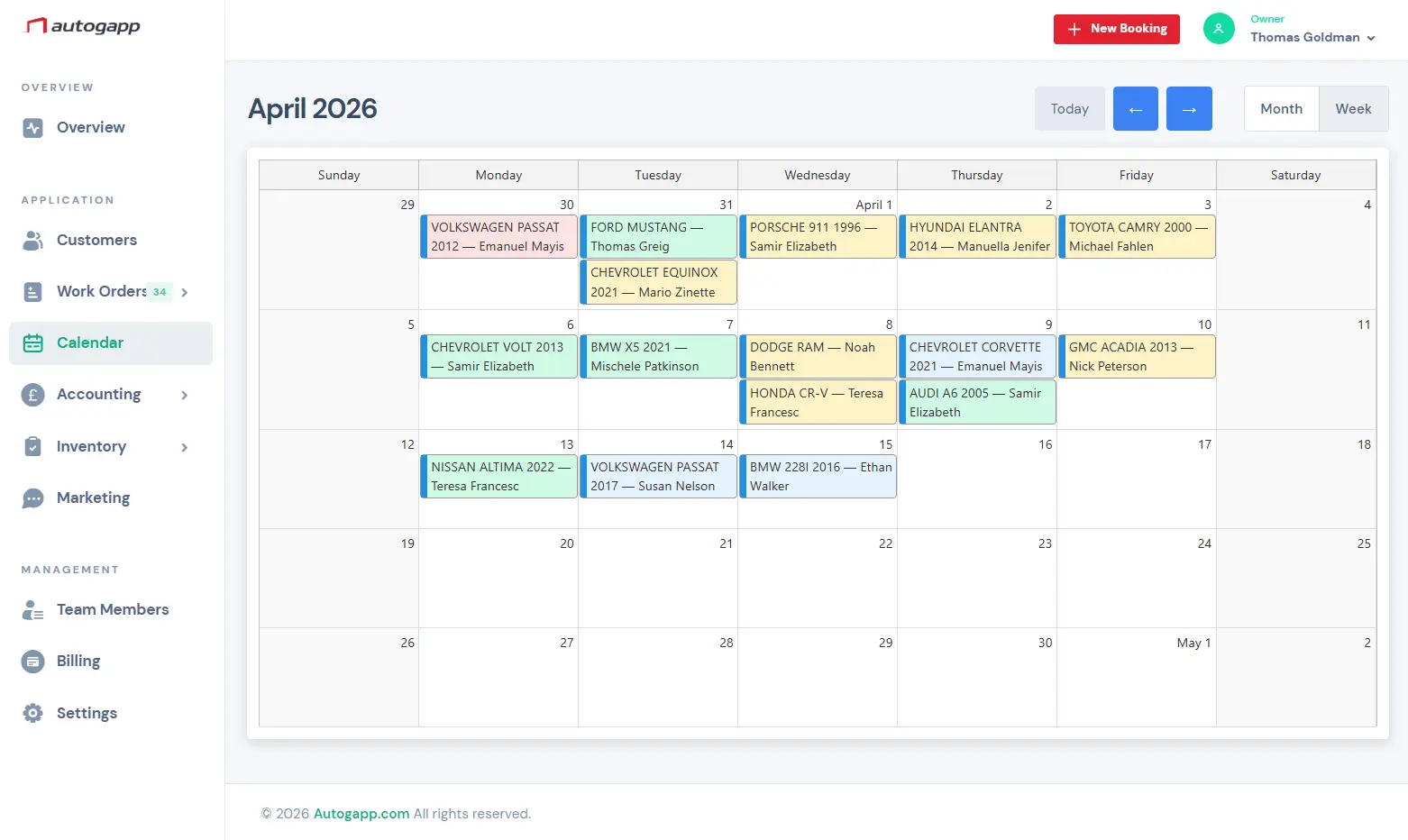
Why repair shops choose Autogapp
Autogapp keeps the day organized without making the team fight the software.
Why free tools become limiting
Free products often break down when the team needs shared visibility, reliable vehicle history, cleaner approvals, or connected financial records.
What to look for before switching
Focus on repair workflow depth rather than just price: booking flow, staff scheduling, job documentation, parts, invoicing, and customer communication all matter.
A safer next step for real shop operations
Autogapp is designed for shops that want a more complete operating system without jumping straight into heavyweight enterprise software.
Core tools for daily service work
Focused tools for the real workflow inside a repair shop.
- Free-trial onboarding
- Booking and timeline workflow
- Digital job cards
- Estimate and invoice tools
- Payment tracking
- Vehicle history fields
- Inventory support
- Growth-ready structure
What to track before paying for shop software
These are record-keeping approaches, not a ranking of third-party products. The right starting point depends on how many people need to update the same job.
| Approach | Minimum records | Manual work to expect |
|---|---|---|
| Paper job folder | Job number, vehicle, customer contact, requested work, findings and approval record. | Search folders, copy billing details and protect the physical originals. |
| Spreadsheet register | One row per job: job number, vehicle ID, assigned staff, status, due date and invoice reference. | Control edits, reconcile separate documents and check backups. |
| Separate calendar and invoice tool | Use the same job number in the appointment and invoice. | Update both systems when scope, timing or customer details change. |
| Paid platform trial | Repeat the same sample job from booking to payment. | Check current trial terms and verify the workflows you need before subscribing. |
Consider moving to a shared system when staff repeatedly overwrite each other, cannot find the latest approval, or spend time reconciling job and invoice records. Review the current Autogapp pricing page for subscription terms.
PricingCommon questions
Popular software pages
- Garage Management Software for Modern Auto Repair Shops
- Auto Repair Shop Management Software for Daily Operations
- Auto Repair CRM Software for Customer History, Vehicles, and Follow-Up
- Auto Shop Scheduling Software with Staff Timeline View
- Auto Repair Estimate Software for Faster Quotes and Cleaner Approvals
- Auto Repair Invoicing Software for Estimates, Invoices, and Payments
- Garage Inventory Management Software for Parts and Suppliers
- Auto Repair Shop Management Software Canada | Autogapp